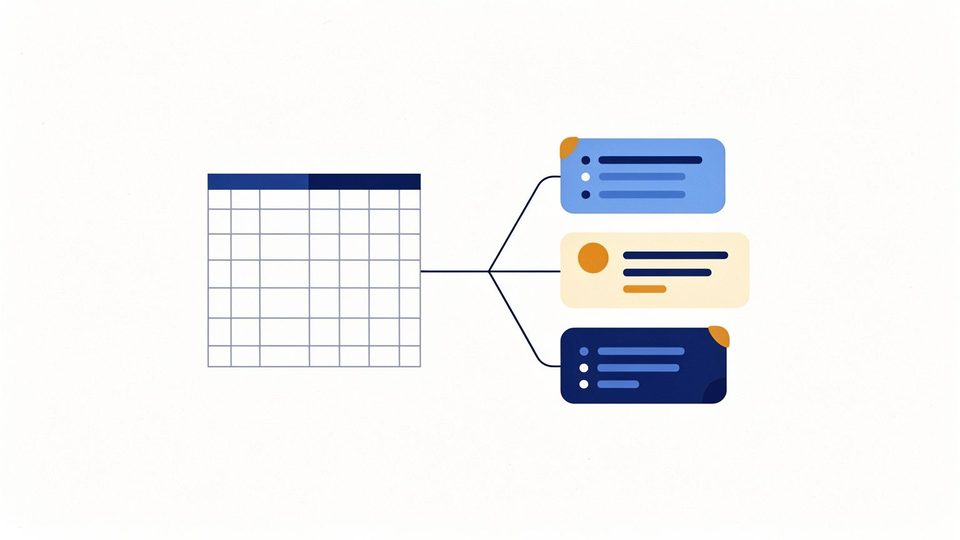
School admissions pipeline: from first enquiry to admission

How a school can run admissions as one pipeline, from the first enquiry through application, campus visit and offer to admission, without losing follow-ups.
The situation: admission season at the front desk
From the first week of admissions, the front desk takes enquiries from every direction: phone calls, walk-ins at the gate, referrals from current parents. Each is written in a notebook or a spreadsheet, a visit is promised, and a follow-up call is planned for "next week".
The tension: follow-ups that quietly disappear
The enquiries rarely go wrong at the start. They go wrong in the middle: a promised call is not made, a visit is booked but not recorded, an application waits for a document nobody asked for. By the time the school notices, the family has joined somewhere else. And when a child is finally admitted, the office types the family's details again into the student register.
The insight: admissions is a pipeline, and it ends in a record
The work becomes manageable when every enquiry is treated as one item in one pipeline, with a stage, an owner and a next step. The pipeline should also end where the rest of the school begins: admission should create the student record, so nothing is typed twice.
The decision: the stages, and what happens in each
Campus One uses the stages most schools already work with:
- Enquiry. Capture who asked, for which class, and how they heard about the school. Qualify it and set the next follow-up.
- Application. Start the application and check the documents as they arrive.
- Visit and offer. Book the campus visit, record the decision and the offer.
- Admission. Admit the child. This step is deliberate: on the pipeline board, enquiries can be dragged between stages, but admission is not a drag target.
Along the way, overdue follow-ups are flagged and the admissions view groups the enquiries at risk of being lost, so the team can act on them first.
The evidence: siblings, records and what happens next
When a new enquiry's phone number matches a family already in the school, Campus One shows that a sibling may already be enrolled. It does not merge anything on its own: the family record is reused only when a person admits the child. That keeps a shared phone number from joining two unrelated families.
Admission opens the student record: details, family, documents, attendance, academics, communication and admission history in one place. Missing or expiring documents appear as a list the office can work through. The admissions reports, including the funnel, the admissions register and lost-enquiry reasons, can be exported as CSV files.
All of this runs today in the Campus One demo with a made-up school. Two parts are not built yet: an import wizard for merging old records, and a one-step move of a whole class to the next academic year.
What to record at the first call
The first conversation sets up everything after it. A short, consistent record is enough:
- the class the family is asking about;
- how they heard about the school, so the school learns which sources bring families who join;
- a contact number the family agrees to be called on;
- the next step and its date, and who owns it.
Anything more can wait for the application. A shorter first record is more likely to be filled in on a busy morning.
Questions to ask about any admissions system
- Does every enquiry have an owner and a next step with a date?
- Are overdue follow-ups flagged without someone checking a notebook?
- What happens when a new enquiry's phone number matches a family already in the school?
- Does admission create the student record, or does someone type the details again?
- Can the funnel and the reasons families did not join be exported?
Campus One's answers are in the sections above: owners and follow-ups in one pipeline, overdue follow-ups flagged, a sibling match shown as evidence and acted on only by a person, the student record created at admission, and the funnel and lost-enquiry reasons exportable as CSV.
The outcome: fewer lost families, no double entry
With every enquiry in one pipeline, the principal can see at a glance how many families are at each stage and which follow-ups are late. When a child is admitted, attendance, fees, marks and notices all start from the same record.
The takeaway
Write down your admission stages, give every enquiry an owner and a next date, and make admission the step that creates the student record. The Campus One admissions page shows how the product does it.
Key takeaways
- Every enquiry belongs in one pipeline with a next step and a date.
- Admission should be a deliberate step, and it should create the student record.
- A matching phone number is evidence of a sibling, not a reason to merge records automatically.
Questions
Can parents apply online on the Campus One website?
No. The website has no admission form; admissions are entered by the school inside Campus One.
Does Campus One merge sibling records automatically?
No. It shows that a sibling may already be enrolled; the family record is reused only when a person admits the child.