How to set a question paper from a blueprint that adds up
A blueprint turns paper setting into arithmetic: sections, marks, chapters and difficulty. How to build one, what to check, and what Campus One refuses.
Two days before the periodic test
In many schools, the paper for a periodic test is set by one teacher, late in the week, with last year's paper open on the desk. Questions are picked chapter by chapter, marks are written in the margin, and the paper goes to the academic head for a quick look before it is photocopied.
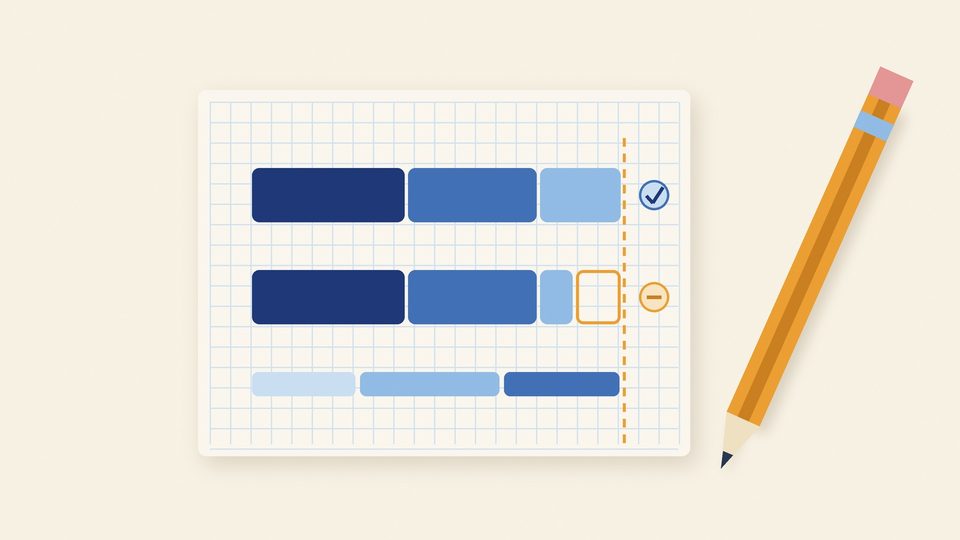
Most of the time this works. When it does not, the problem is rarely a bad question. It is arithmetic: a section meant to carry ten marks carries eight, the paper adds up to 38 instead of 40, or one chapter fills half the paper because it was the easiest place to find questions. Those mistakes tend to surface late, sometimes in the exam hall.
Why checking at the end is too late
The usual safeguard is a final check: someone adds up the marks before printing. A final check can find a wrong total, but it cannot easily fix one. By then the questions are chosen and the layout is done, and changing one section means re-balancing the others.
A blueprint moves the check to the start. Before a single question is chosen, the paper is written down as numbers, and the numbers either add up or they do not.
What a blueprint is
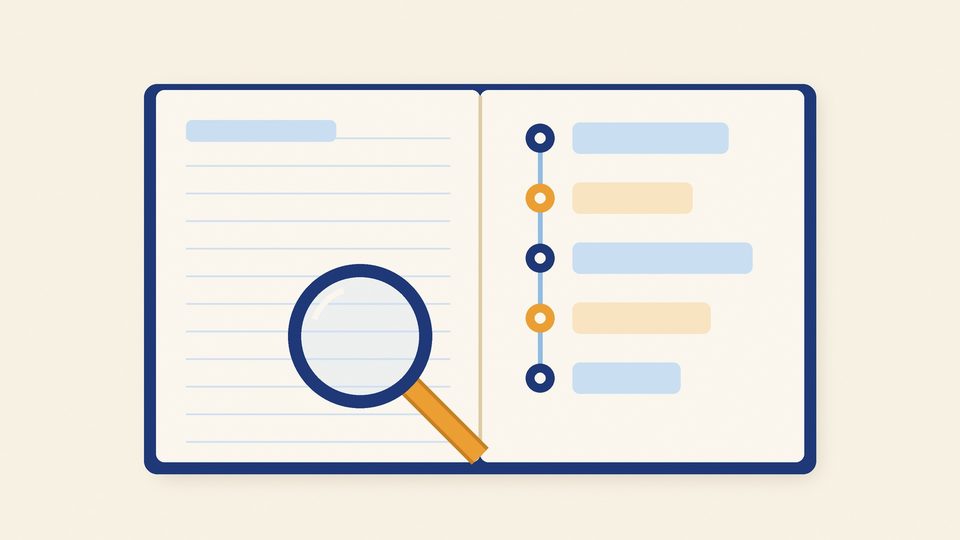
A blueprint is a short table that describes the paper without its questions:
- the total marks and the time allowed;
- the sections, and for each one the number of questions and the marks for each question;
- any choice, such as "attempt any four of five";
- the chapters the paper may draw from, and roughly how much weight each one carries;
- the mix of easy, medium and hard questions.
Once the blueprint adds up, choosing questions becomes a matter of filling slots.
How to build one, step by step
1. Start from the total
Write the paper's total marks and the time allowed. Everything below must add up to this number.
2. Lay out the sections
For each section, write the number of questions and the marks for each. Multiply, then add the sections. If they do not reach the total, stop and fix it now, while it costs nothing.
3. Check every choice
"Attempt any four" only makes sense if at least four questions are printed in that section. Write down both numbers, the printed questions and the questions a student must attempt, and make sure the section's marks are counted on the attempted ones.
4. Choose the chapters and their weight
List the chapters in this test's syllabus and how much of the paper each should carry. A revision paper may lean on one chapter on purpose; a term paper usually should not.
5. Set the difficulty mix
Decide the share of easy, medium and hard questions. The three must add up to 100%.
6. Only then choose the questions
Fill each slot from your question bank, prefer questions the class has not seen recently, and write the answer key as you go.
What Campus One checks, and what it refuses
In the exam paper generator in Campus One, the blueprint is checked by the same rules twice: in the browser on every keystroke, and on the server before anything is saved. Because both checks come from the same file, the preview a teacher sees and the server's decision cannot disagree.
The rules fall into two groups. Errors block: the paper cannot be generated, submitted or approved while one stands. Warnings inform: the teacher sees them and may have a good reason to go ahead.
| What the check finds | Result |
|---|---|
| The sections add up to a different total from the paper | Error |
| Easy, medium and hard do not add up to 100% | Error |
| "Attempt any" asks for more questions than the section prints | Error |
| A section has no questions, or two sections have the same name | Error |
| No chapters are selected, or a section asks for a chapter outside the paper's syllabus | Error |
| One chapter carries much more of the paper than the others | Warning |
| More sections than any board pattern uses | Warning |
A mistake we found in our own templates
Campus One comes with ready-made blueprints, so a teacher does not have to start from an empty table. While the generator was being built, the team found that one of them, a template for a 40-mark periodic test, had sections that added up to 34 marks.
The fix was not only to correct that template. An automated test now checks that every ready-made blueprint adds up to the total it states, so the same mistake in any template is caught before it ships.
It is a small story, and it is the whole case for blueprints in one example: a six-mark gap is easy to miss by eye and trivial for a check to catch.
From a blueprint to a printed paper
Once the blueprint passes, the paper is assembled from questions already approved in the school's own bank. It fills each slot with a question not used recently; if the bank has no fresh question of the right kind, it reuses the least recently used one and says so, rather than leaving the paper short. AI can help choose among the bank's questions, but it never writes question text. If no AI model is set up, the standard method runs and the screen says so.
The paper then moves from draft to review to approved and locked. Teachers can view a paper under review; only approvers can approve it. Locking records a fingerprint of the paper's content and marks its questions as used, which is what the next paper's "not used recently" rule reads. The paper keeps its own copy of every question, so editing the bank later never changes a paper that has already been printed. The A4 export carries the school header, page numbers and properly laid-out maths, with the answer key and marking rubric.
What it does not do yet
Several versions of the same paper for different sections or rooms are planned, not built. The generator runs today inside the Campus One demo with demo questions: a CBSE bank (NCERT 2026-27) for Grades 6 to 10 and one Maharashtra State Board Grade 9 Mathematics set. On the price list it is part of the Complete plan.
Try the rule yourself
The Campus One home page has a simulation of the blueprint check for a 40-mark paper. Change the number of questions in a section and watch the total: Generate stays off until the marks match, as it does in the product.
The takeaway
Write the blueprint before the questions, make the arithmetic check automatic, and treat a wrong total as a reason to stop. The exam paper generator page describes each step in the product; from marks grid to report card picks up after the exam, and our checklist for choosing school software covers the rest of the office. If you would like to see a paper go from blueprint to print on the demo school, ask us for a walkthrough.
Key takeaways
- Write the blueprint before choosing a single question: total, sections, choices, chapters and difficulty.
- Make the arithmetic check automatic, and treat a wrong total as a reason to stop, not a note for later.
- Keep a copy of every question with the paper, so a later edit to the bank never changes a printed paper.
Questions
What is a question paper blueprint?
A short table that describes a paper without its questions: the total marks, the sections with the number of questions and marks for each, any choice, the chapters it draws from and the mix of easy, medium and hard questions.
Does Campus One use AI to write questions?
No. The exam paper generator builds papers from questions already approved in the school's own bank. AI can help choose among them where it is set up, but it never writes question text.
Can it make several versions of one paper?
Not yet. Multiple sets of the same paper for different sections or rooms are planned, not built.