Use cases
Campus One for private schools
For a private school that runs its office on registers, spreadsheets and phone calls.
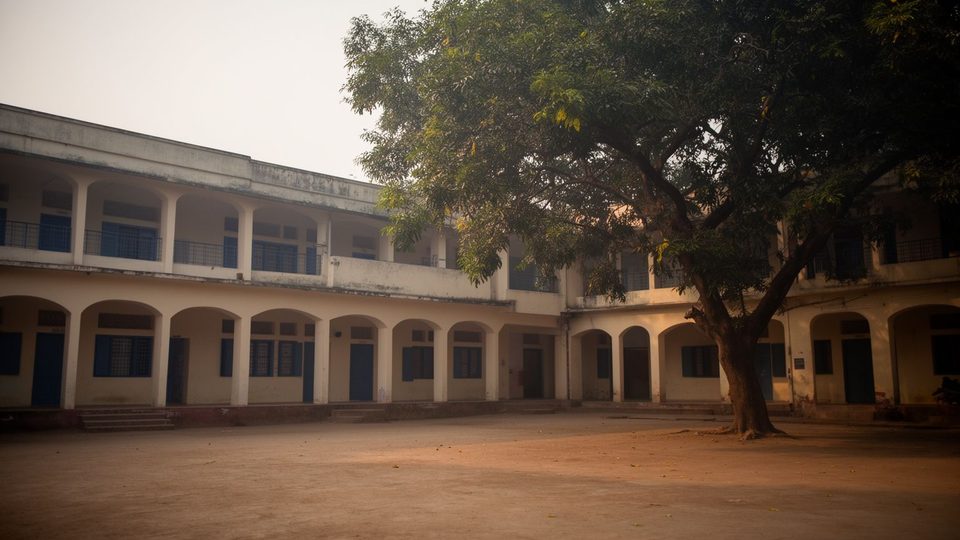

Their situation
A private school office does the same work every day: answer enquiries, admit students, take attendance, collect fees, enter marks, print report cards and send notices. In many schools each of these lives in a different place: a register for attendance, a receipt book and a spreadsheet for fees, a template for report cards and a few WhatsApp groups for parents. The same student is written down again in each one, and the owner cannot see the whole picture without asking four people.
How Campus One helps, step by step
- Import what you already have. The team imports students, staff and fees from your registers or spreadsheets and sets the system up for your school. Set-up and data import are free with yearly prepayment, including online training.
- Give each person a login. The principal, the office, the accounts team and the teachers each see only what their role needs.
- Run the day from one place. Teachers mark attendance class by class; the office works the admissions pipeline; accounts record fees and receipts; teachers enter marks; the office prepares notices.
- See what needs attention. Dashboards show overdue fees, pending follow-ups and missing documents.
What to expect today
Campus One runs on our server with a made-up demo school only. Admissions and records, attendance, exams and report cards, inventory and the exam paper generator work in the demo. Fees work without online payment, and notices can be written and previewed while sending is simulated. Payroll, transport tracking, the parent app and the school website are planned.
Founding schools can join a 30-day free pilot and pay only for modules that are ready to use. The terms are on the founding schools page.
Data and privacy
The demo runs on a server in the USA and holds only made-up data. Before any real school, student, parent or teacher data is loaded, Campus One moves to a server in India. Each person's login shows only what their role needs, and every action checks permission again on the server. This is a description of how the product is built, not a certification and not legal advice.
When you contact us, please send only your own business details as a member of school staff, never a student's or a parent's details.
Next step
Ask for a walkthrough on the demo school. Tell us your school size and the modules you want to see first, and we will show you exactly what is built today.